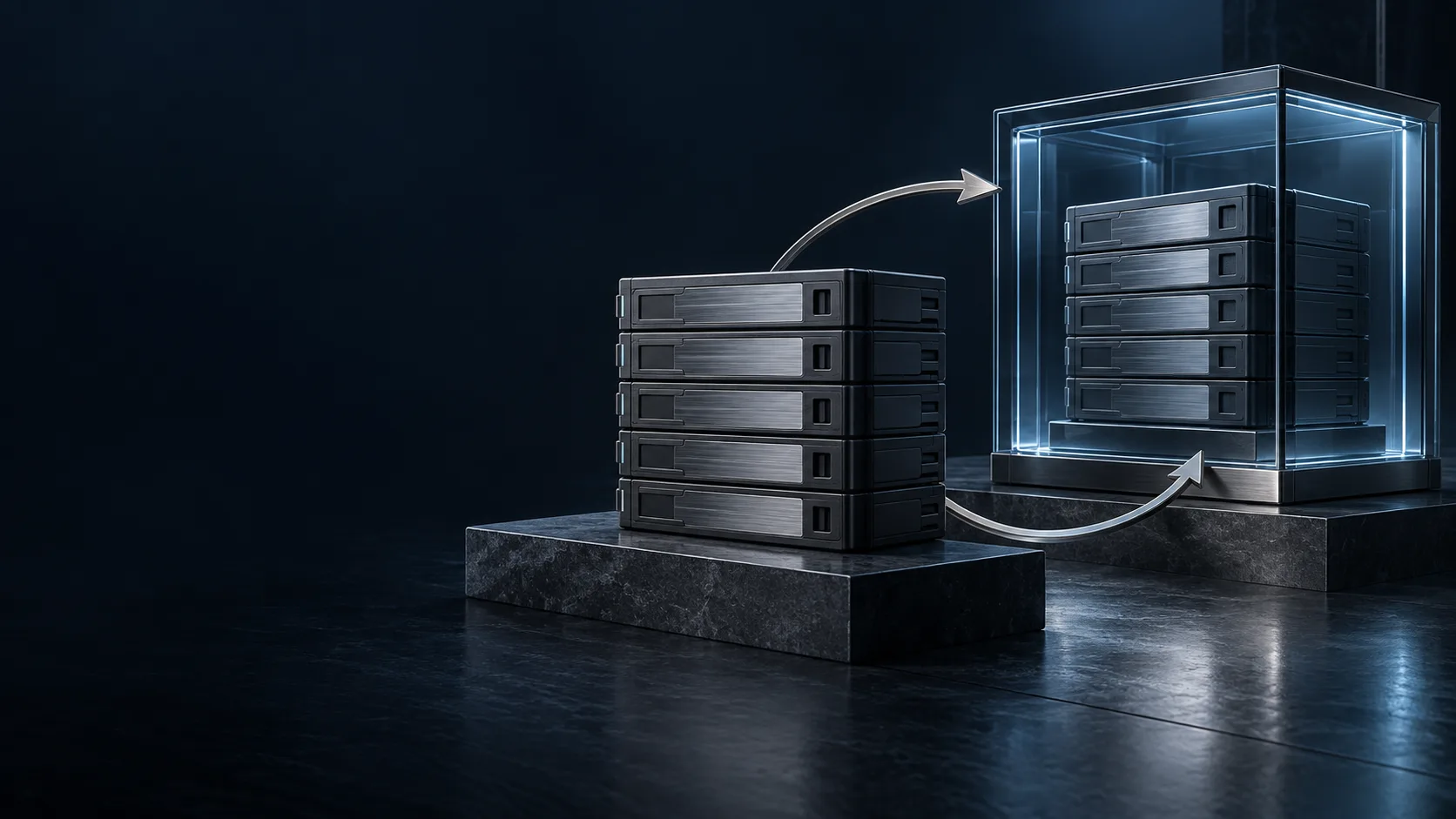
Do you have a backup, or can you actually recover?
These two questions are not the same. In many businesses, the backup job runs every night, yet a restore has never been tried. Because the backups sit on the same network with the same permissions, a ransomware attack encrypts them along with the main system. Or there is a backup, but bringing the system back takes days.
A good backup setup answers three questions together: What do we back up, and how often? Is the backup protected against attack? How quickly can we recover from a failure?
Which solution for which need?
Veeam
For environments centred on virtual servers. It backs up VMware and Hyper-V virtual machines, physical servers and cloud workloads, and stands out for immutable storage, instant recovery and automated backup testing. Explore Veeam.
Acronis Cyber Protect
For computer-heavy and mixed environments. It combines backup with malware protection and patch management in the same agent and the same console, and also covers Microsoft 365 and Google Workspace data. Explore Acronis.
UnnaBulut
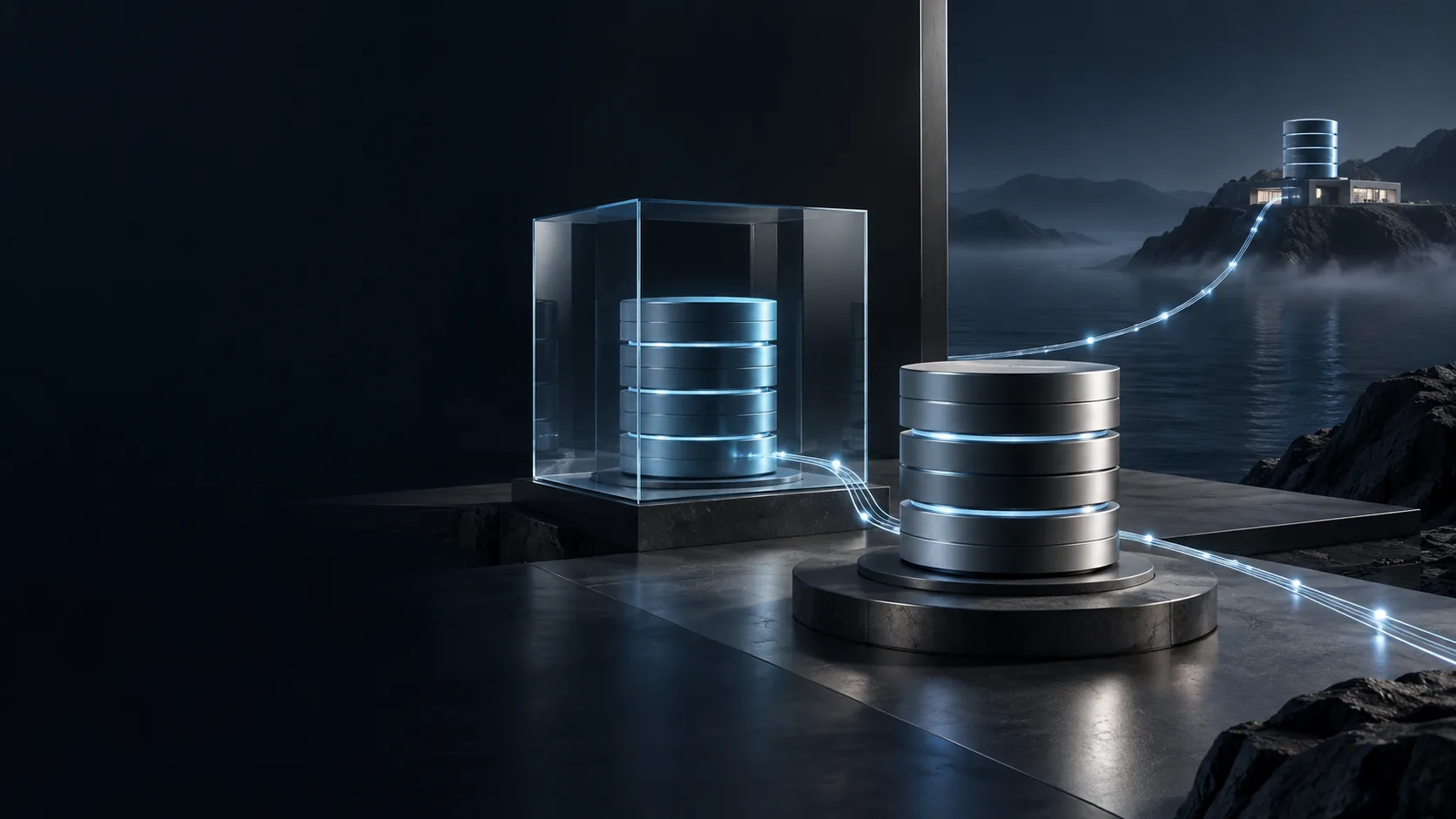
Our own cloud. Data is stored encrypted in our own data centre in Turkey. It offers full image backup, file and database backup, and a team file space, and can also be used as the target for the off-site copy of your local backups. Explore UnnaBulut.
Using them together
These solutions are not rivals; more often they complement one another. A setup we see often: servers are backed up locally with Veeam and a copy is sent to UnnaBulut, while computers and Microsoft 365 data are protected with Acronis.
Backup with Unna
- We listen first. We rank your systems by importance and agree for each the acceptable downtime and data loss.
- We plan together. Following the 3-2-1-1-0 rule, we design the number of copies, storage types, the off-site location, the immutable copy and retention periods.
- We install and test. After installation, we carry out a real restore. We never hand over an untested backup.
- We stay by your side. We monitor failed jobs, run periodic restore tests and let you know before capacity runs out.
Part of the whole
- Backup lets you recover; disaster recovery determines how quickly you recover.
- For a long-term, searchable copy of your email, the MailStore archive complements backup.
- Network security and endpoint security try to prevent attacks; backup is the last line of defence when they cannot.
- In virtualisation projects, we design the backup architecture together from the very start.
Frequently asked questions
Isn’t an external disk or NAS backup enough?
It is a good start, but not enough on its own. A backup kept in the same building and on the same network can be lost along with the main system in a fire, theft or ransomware attack. At least one copy needs to be off site and immutable.
Should we back up our Microsoft 365 data too?
Yes. Microsoft ensures the continuity of the infrastructure; long-term backup of your data that is deleted, overwritten or encrypted by ransomware is your responsibility.
How can we be sure our backups work?
Through regular restore tests. During periodic maintenance, we restore sample systems and report the results to you.