Small team, big responsibility
In many businesses, the same one or two people manage the firewall, the servers and user support. Remote workers’ VPN connections, branch tunnels, accounts compromised with a stolen password and threat signatures that need updating every day all land on the same desk. What lightens this load is being able to manage the pieces from one place.
WatchGuard Firebox is a network security platform that combines the firewall, security services, VPN and authentication in a single console on WatchGuard Cloud.
What does WatchGuard Firebox do?
Offers appliances for every scale
The desktop T Series is for small offices and branches, and the rack-mount M Series for busier networks. FireboxV applies the same security policy in virtual environments, and Firebox Cloud for workloads on AWS and Azure.
Bundles security services into packages
Basic Security Suite includes intrusion prevention (IPS), gateway antivirus, WebBlocker web filtering, application control, spamBlocker, Reputation Enabled Defense and Network Discovery. Total Security Suite adds APT Blocker sandbox analysis, DNSWatch, IntelligentAV, ThreatSync and EDR Core.
Managed from a single console
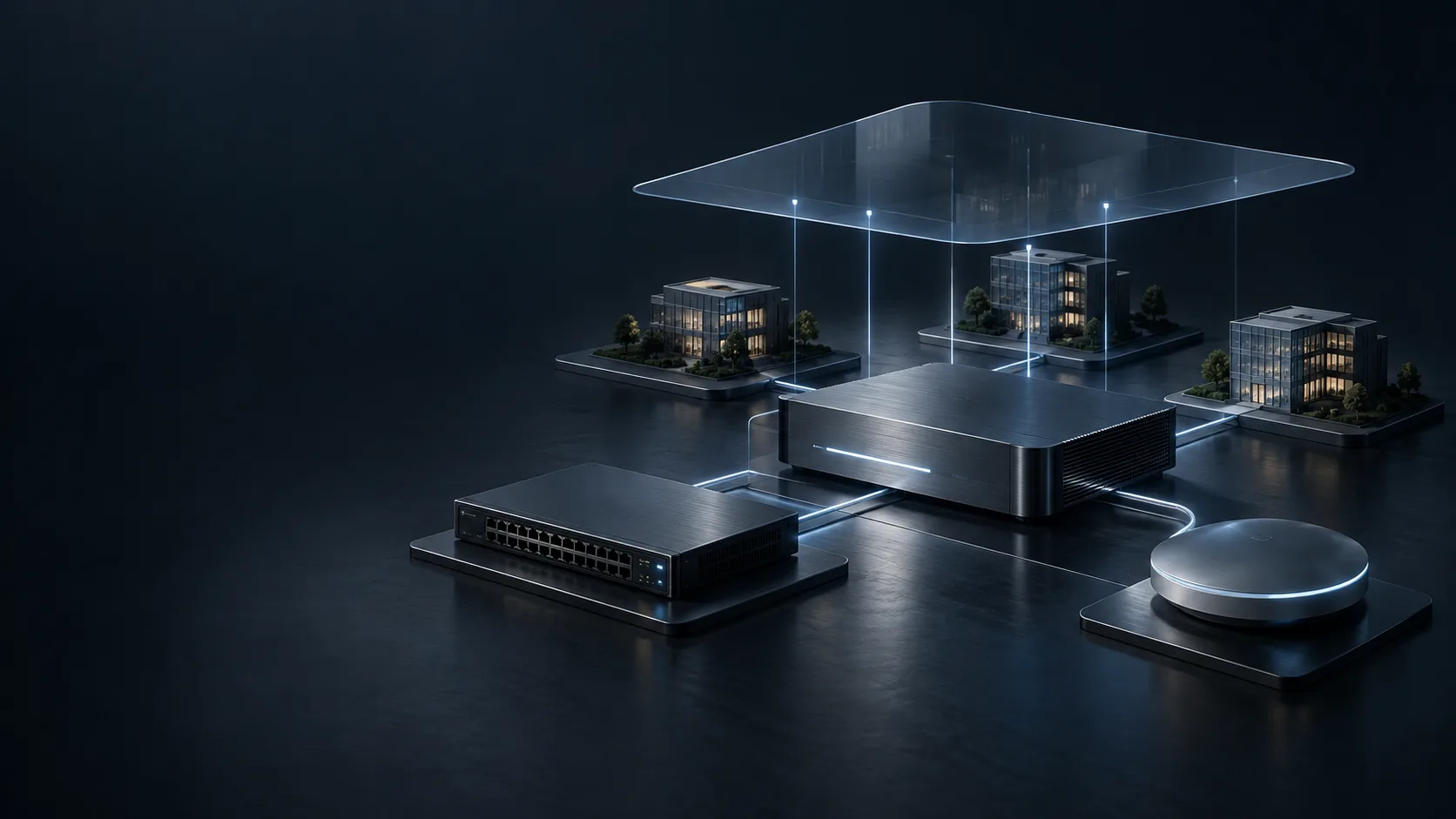
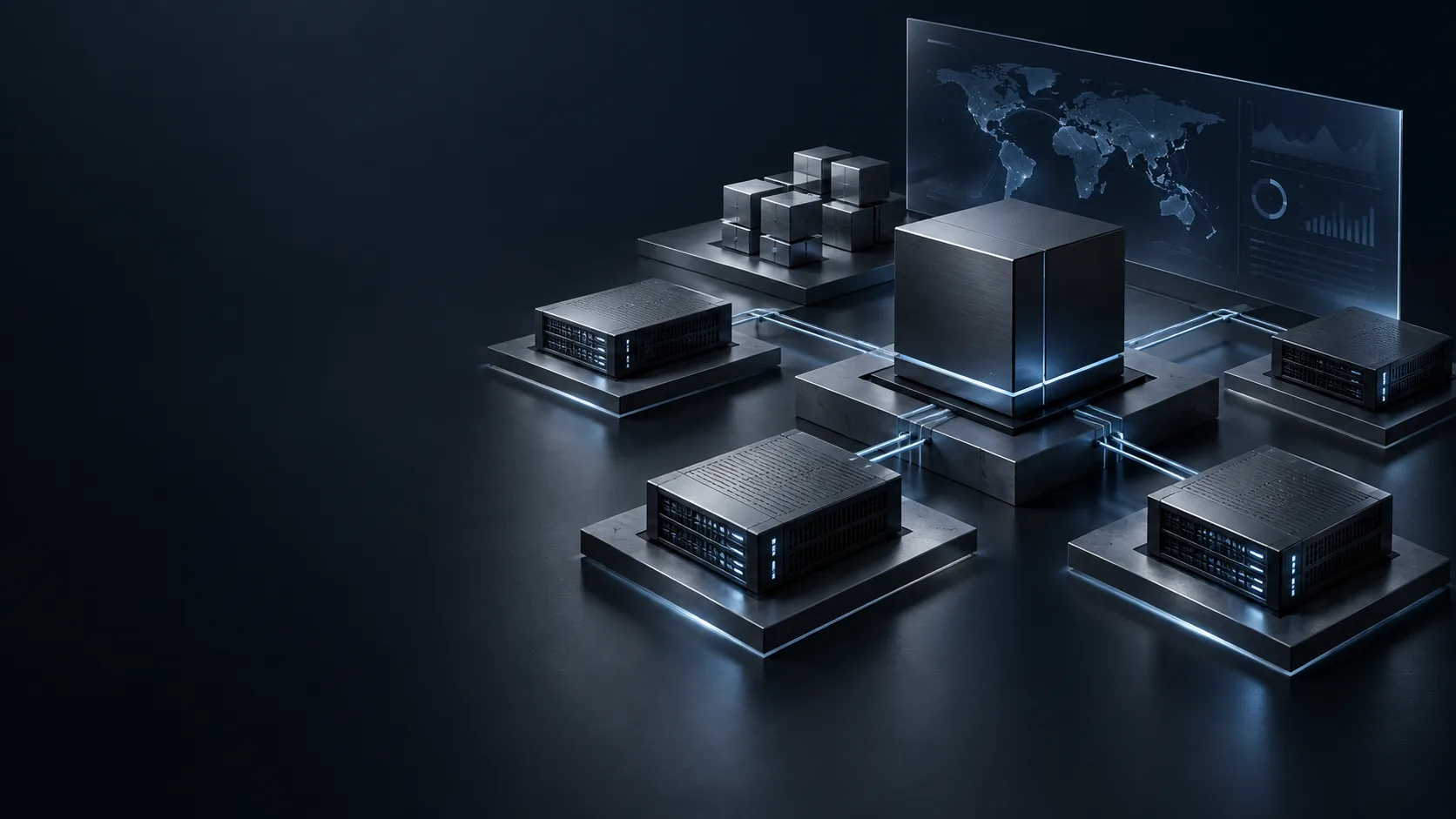
With WatchGuard Cloud, firewalls, access points and security services are configured and monitored from anywhere. Multiple branches or customers are tracked on a single screen.
Correlates threats across products
ThreatSync brings together detections from Firebox and endpoint products. Responses such as blocking an IP address or isolating a computer from the network can be applied manually or through automated rules.
Never leaves the password on its own
AuthPoint provides multi-factor authentication with push notifications, QR codes, one-time passcodes and hardware tokens. It can be used as the second authentication step for Firebox’s IKEv2 and other mobile VPN connections.
WatchGuard with Unna
Unna is an authorised WatchGuard partner. The right model and the right package depend on your number of users, your connections and the services you want to enable.
- We listen first. We review your network, branch structure, remote working needs and the actual usage of your current firewall.
- We plan together. We determine the model that will still be sufficient with security services enabled, the choice between Basic and Total Security Suite, and the VPN and MFA scenarios.
- We install and deploy. We migrate the rules while simplifying them, connect the appliance to WatchGuard Cloud and test every scenario outside business hours.
- We stay by your side. Software updates, licence renewals, rule changes and periodic checks remain with us after installation too.
Part of the whole
- On our network security page, we explain which of WatchGuard, FortiGate and Ruijie suits which kind of setup.
- ManageEngine Firewall Analyzer brings Firebox logs together with your other brands’ logs in the same reports.
- With Law No. 5651 (Turkey) logging, we handle the logs of guest and employee internet access in line with legal obligations.
- Identity and access management completes the work AuthPoint starts, on the privileged account and Active Directory side.
- Backup keeps the way back open after an attack that could not be prevented.
Frequently asked questions
Basic or Total Security Suite?
Basic Security Suite is a strong start against common threats. If you want sandbox analysis, DNS filtering and cross-product threat correlation, Total Security Suite is the better fit. We make the choice together based on your risk profile.
Is using WatchGuard Cloud mandatory?
Firebox appliances can also be managed from the local interface. However, if you have more than one appliance or location, cloud management makes things significantly easier.
Does Firebox sign 5651 logs itself?
No. The firewall’s own logs do not include a timestamp signature. We set up a separate solution for this need; details are on the 5651 logging page.