A platform you already own
If most of your servers run Windows Server, you may not need to buy a separate hypervisor licence for virtualisation. Domain controllers, file servers, ERP and SQL Server are managed within the same Microsoft ecosystem, with the same tools. The real question is whether you have designed this platform correctly.
Hyper-V is Microsoft’s type 1 hypervisor built into Windows Server. It runs Windows, Linux and FreeBSD virtual machines.
What does Hyper-V do?
Restarts virtual machines on another server after a failure
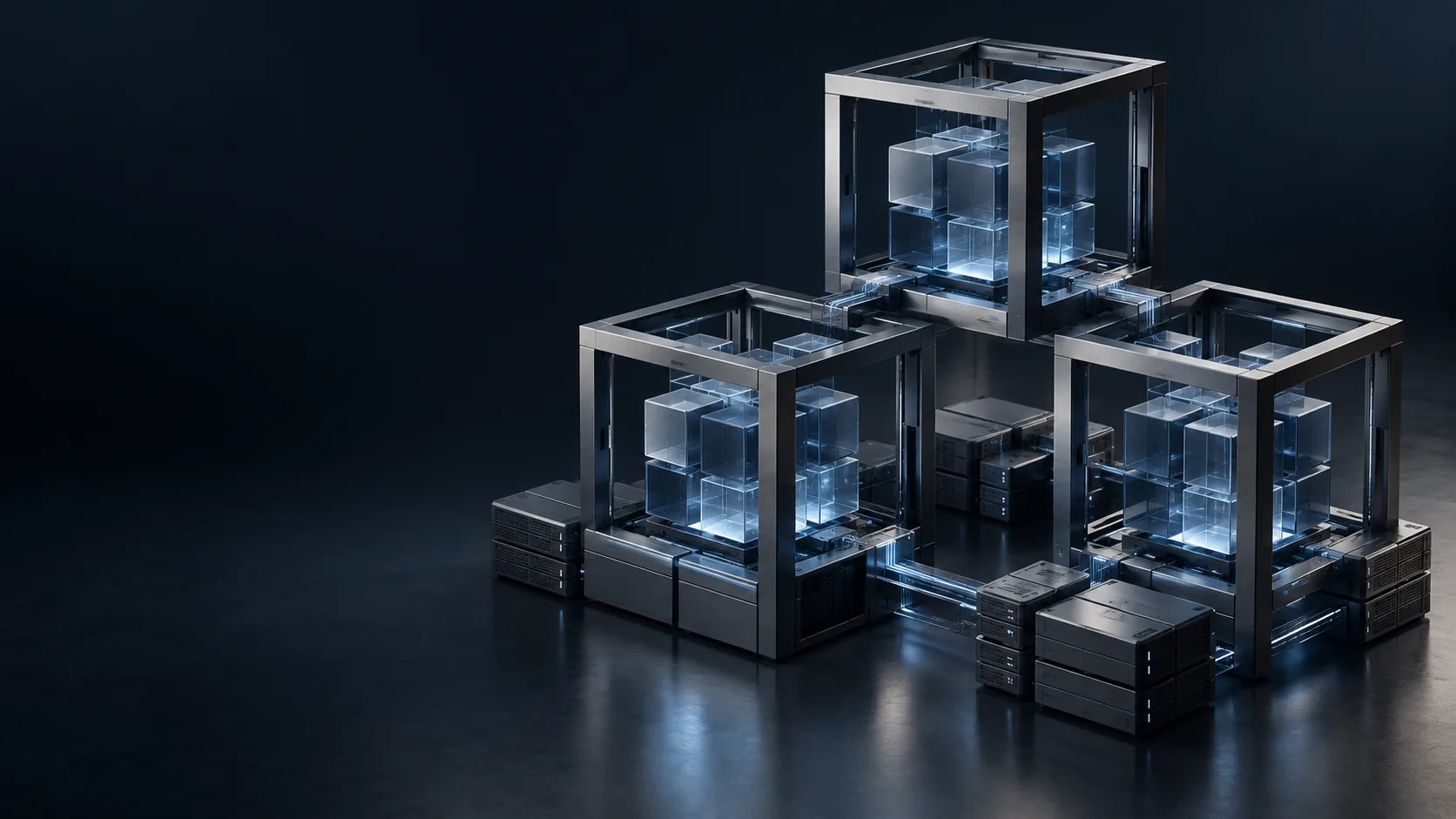
With Windows Server Failover Clustering and Cluster Shared Volumes (CSV), if a server fails, virtual machines are automatically restarted on other servers in the cluster. Live migration allows planned maintenance without downtime; migration is possible even without shared storage.
Replicates to a second location
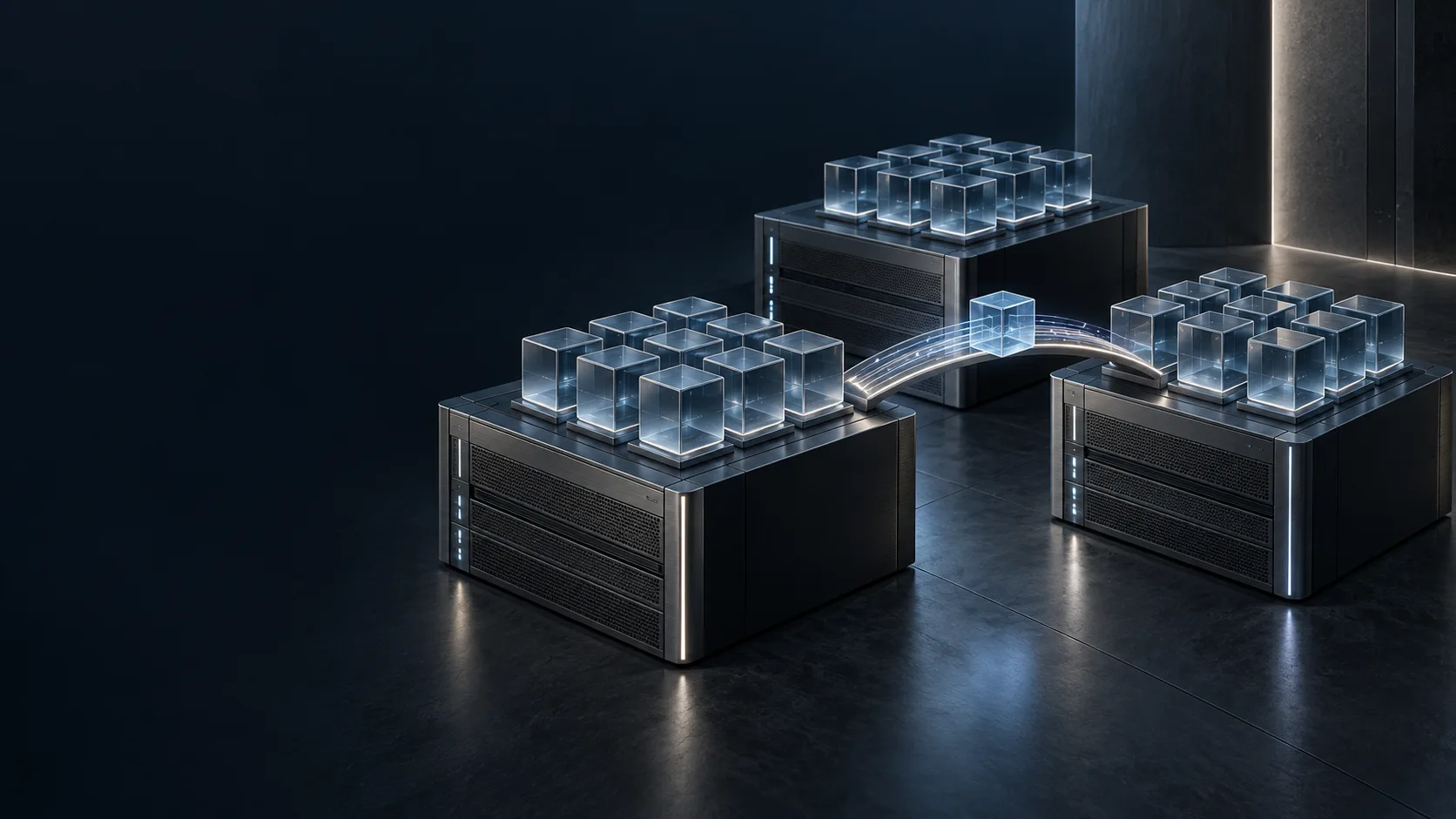
Hyper-V Replica asynchronously copies virtual machines to a second server or location over a standard network connection. A simple disaster recovery set-up can be built without expensive storage replication.
Isolates sensitive workloads
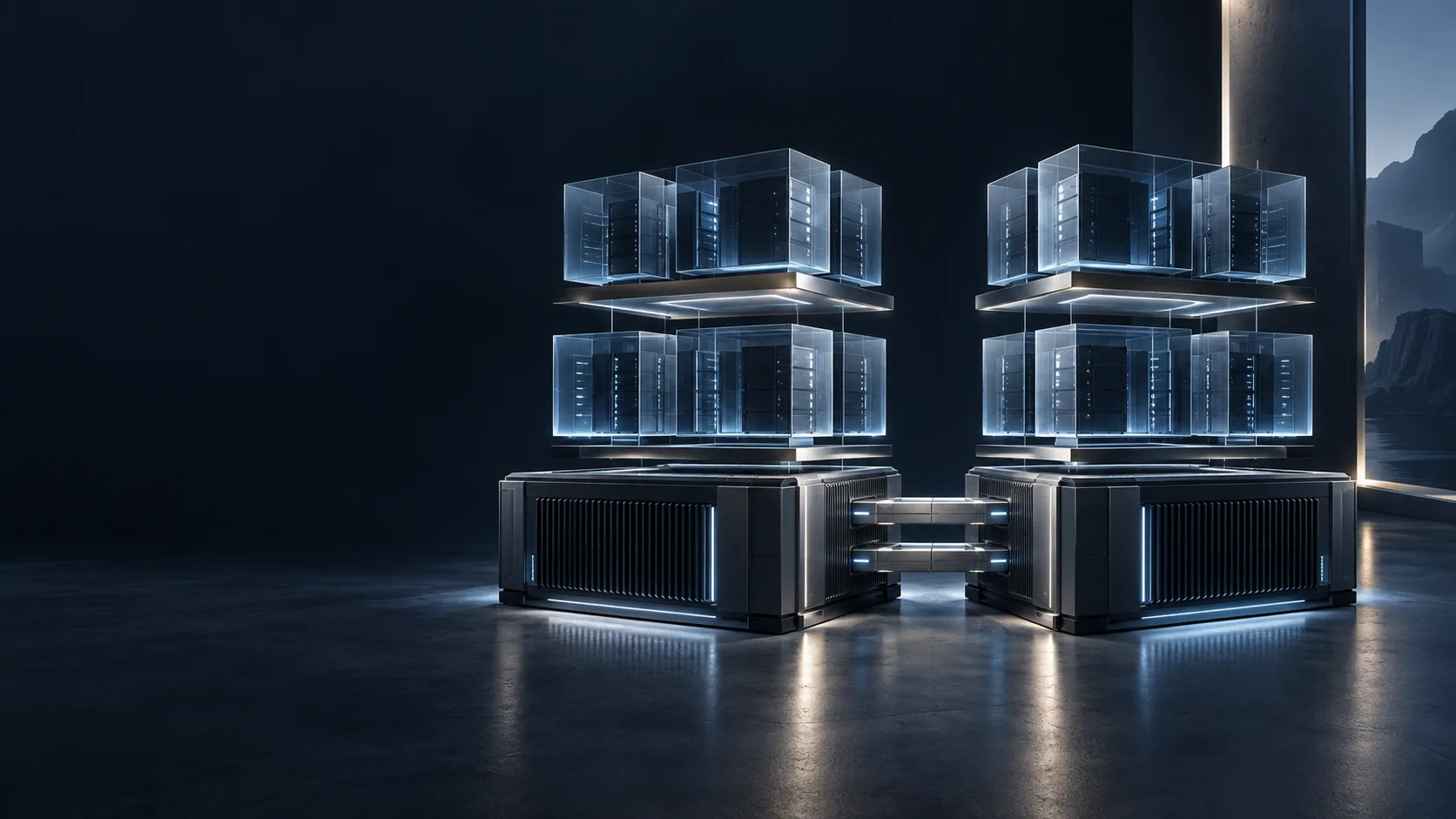
Generation 2 virtual machines run with UEFI and Secure Boot; thanks to the virtual TPM, BitLocker can be used in the guest operating system. Shielded virtual machines can be configured so that they can only be started on authorised hosts.
Managed with familiar tools
It is managed with Hyper-V Manager, Windows Admin Center and PowerShell. In large environments, System Center Virtual Machine Manager provides central management. It integrates natively with Active Directory.
Hyper-V with Unna
Hyper-V’s cost advantage depends on choosing the right Windows Server licence. The Standard edition grants rights to two virtual Windows Server instances when all cores are licensed; the Datacenter edition grants rights to unlimited virtual machines. Which is more economical depends on your number of virtual servers.
- We listen first. We take an inventory of your servers, applications and existing Windows Server licences.
- We plan together. We answer the questions of single server or cluster, Storage Spaces Direct or external storage, together with the licensing cost.
- We install and migrate. We build the cluster and move physical servers, or virtual machines on another platform, to Hyper-V on a planned schedule.
- We stay by your side. We regularly check Windows updates, cluster health and replication status.
Part of the whole
- On our virtualisation page, we compare Hyper-V with VMware and Proxmox.
- We place critical roles such as the domain controller on separate virtual machines with the right level of redundancy.
- With Veeam, we back up Hyper-V virtual machines and provide the point-in-time recovery that Replica cannot replace.
- With endpoint security, we also protect the operating systems inside your virtual servers.
Frequently asked questions
Does Hyper-V Replica replace backup?
No. Replica keeps an up-to-date copy of the virtual machine ready; if ransomware encrypts the source machine, that change may be replicated too. Separately stored, point-in-time backups are still needed.
Can we run our Linux servers too?
Yes. Hyper-V supports common Linux distributions as guest operating systems.
How long does a migration from VMware to Hyper-V take?
It depends on the number of virtual machines and how sensitive the applications are. Once the inventory is complete, we plan a separate migration window for each system.